Keep the people you know on a server you control.
Monica Next is a self-hosted personal CRM. It holds contact files, imported social posts, chat archives, and an interactive graph of who talks to whom — without sending that history to someone else’s cloud.
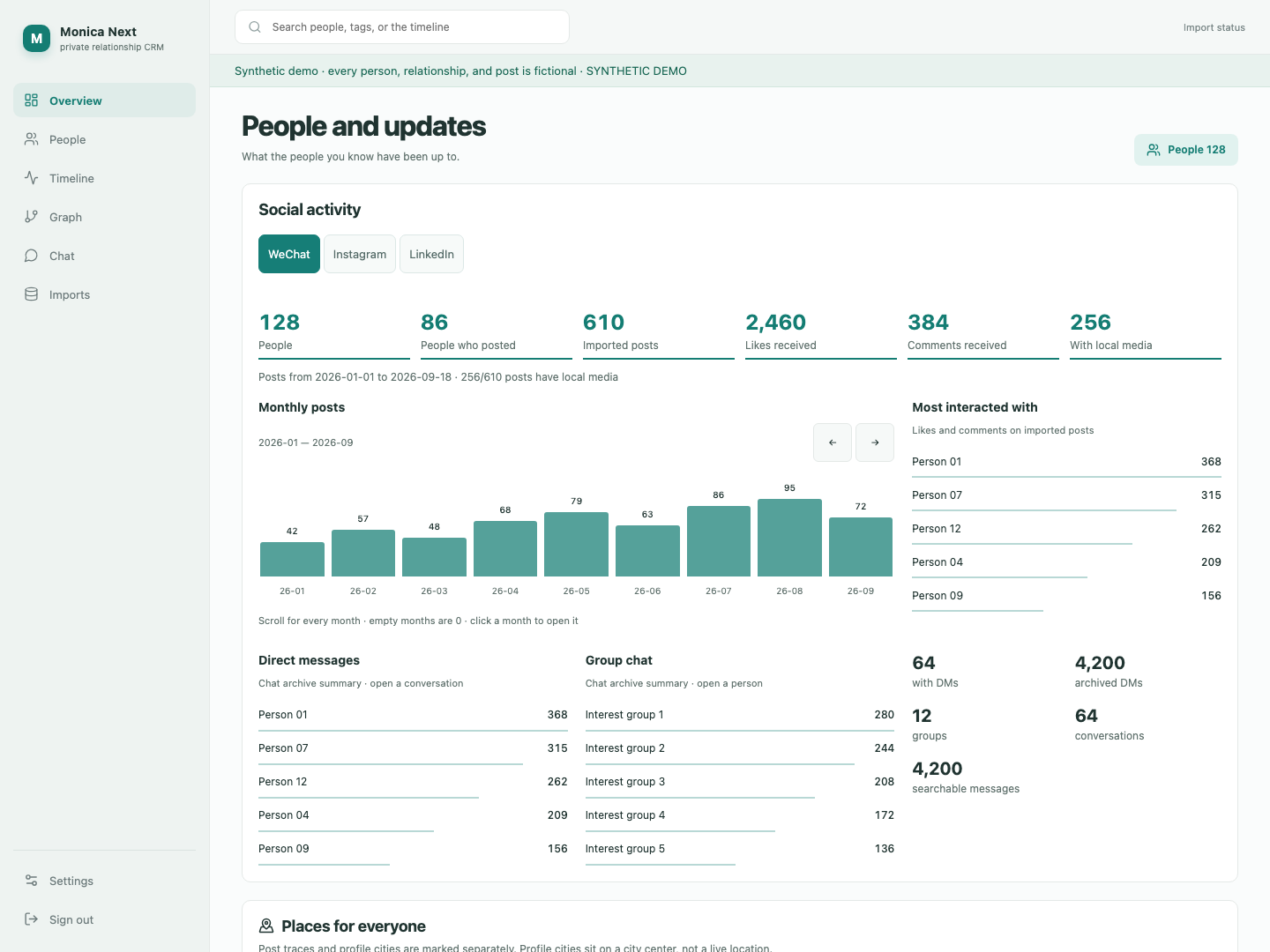
Overview of imported activity. Screenshots are the real interface running on invented fixtures — people are labeled Person 01, Person 02, and so on. No real names, portraits, chats, or private hosts.
What it keeps
- People and groups — profiles, tags, work and school, and explicit links between a source account and a person.
- Where a fact came from — field revisions, original provenance, current projections, and manual edits stay distinct.
- A social timeline — WeChat, Instagram, and LinkedIn posts, media, and interactions in one place.
- A graph you can walk — search, pan, zoom, communities, and optional shared-group edges.
- Maps and counts — monthly activity, rankings, chat summaries, and archived or profile cities. Not live tracking.
- Chat archives — open a conversation when you need it; search message text after import.
This is an independent project. It is not the official Monica app and is not affiliated with Monica or with the social platforms it can import from. Importers read archives you already have permission to use.
People, with context still attached
A contact is more than a name. Tags, notes, and source accounts sit on one file so a WeChat identity and a LinkedIn profile can belong to the same person without collapsing their history.
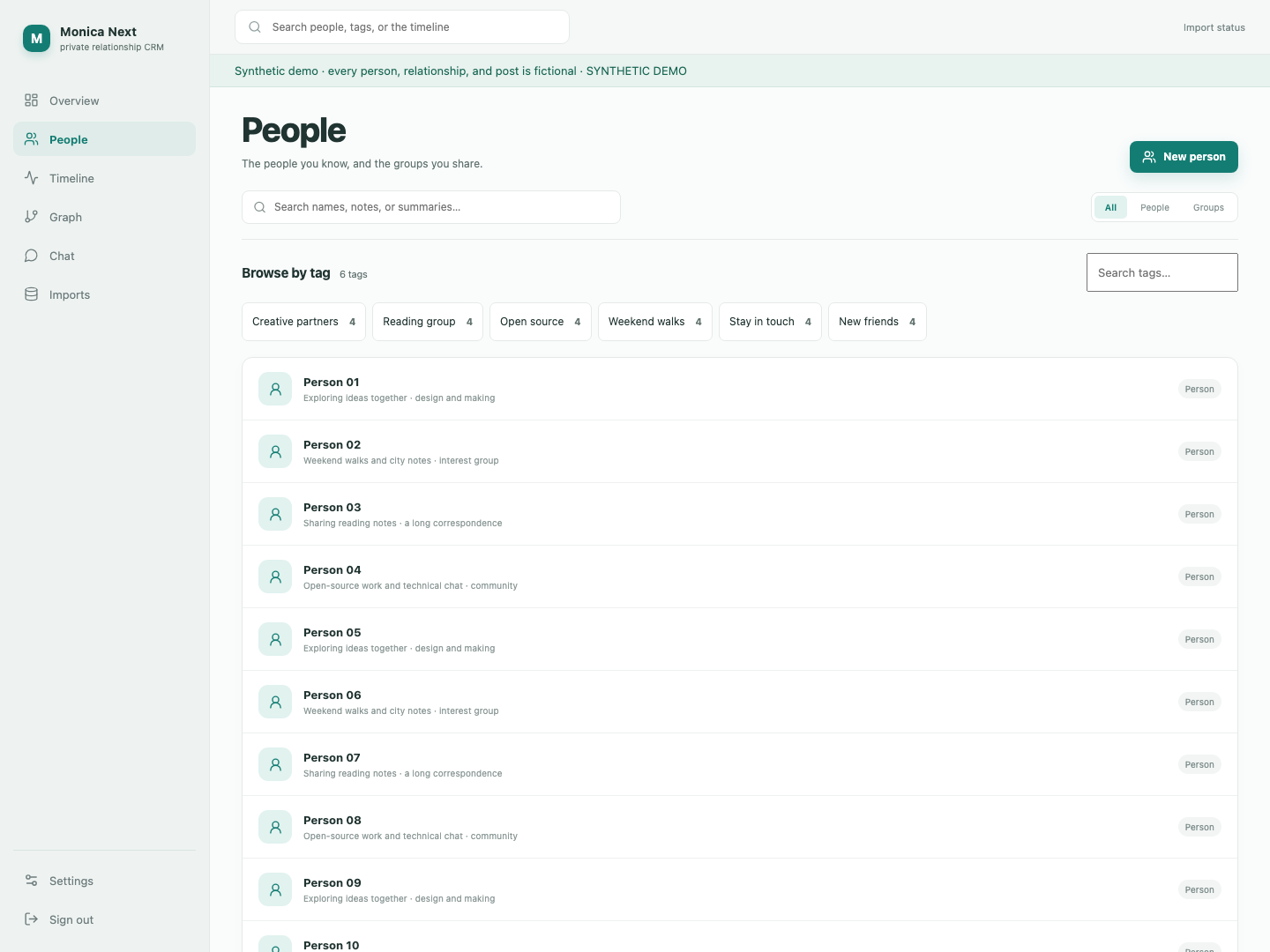
The people list, filtered by tags. Every label in this picture is fictional.
A graph, not a spreadsheet of connections
The relationship view uses the same community layout as the live app: clusters of people, weighted edges from Moments interactions, and a search box that jumps to a node. Click through to the person the node is mapped to.
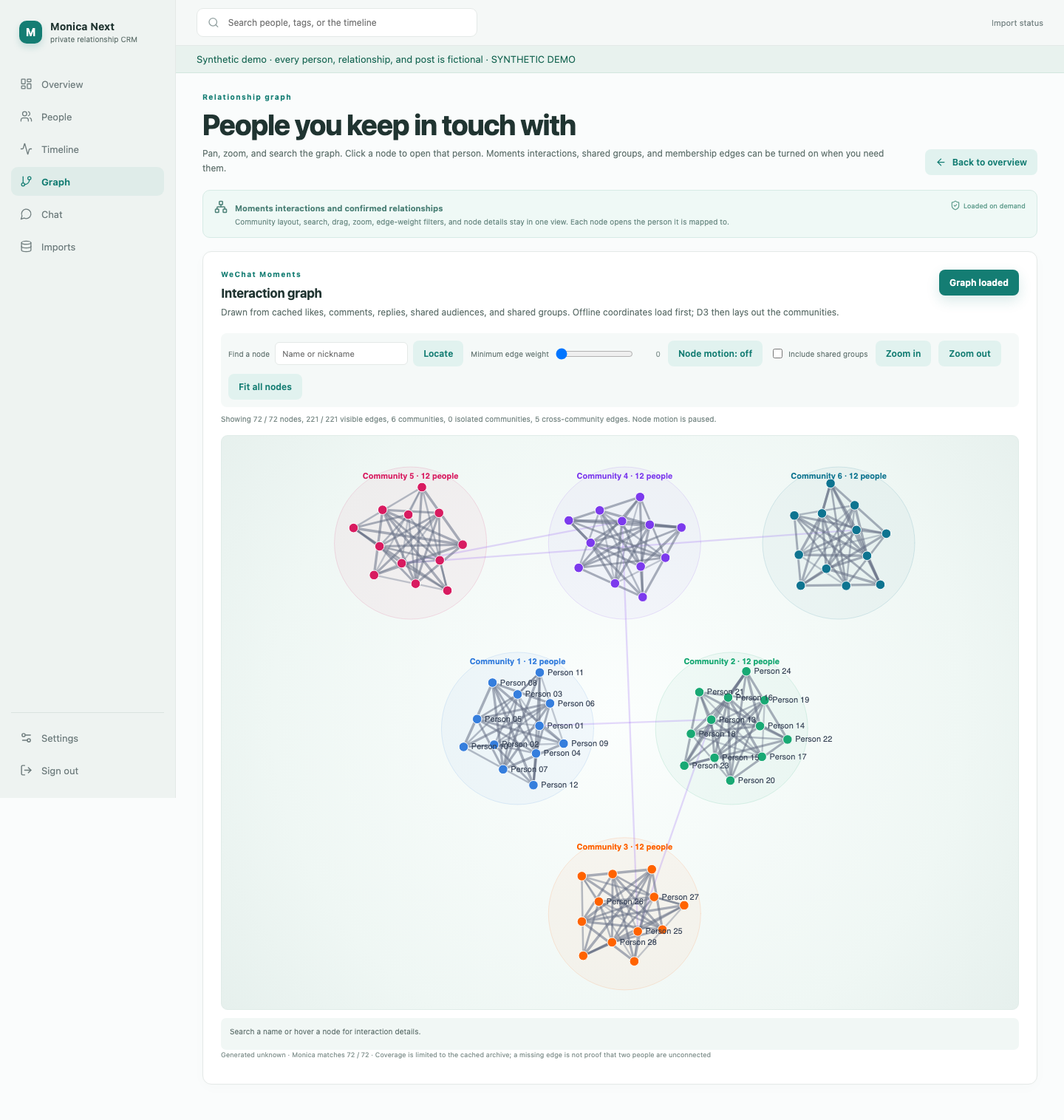
Six invented communities. A missing edge is a limit of the cached archive, not a claim about real life.
What they posted, kept locally
The timeline is a reading surface for imported posts. Filter by WeChat, Instagram, or LinkedIn. Media stays on disk you control; the public screenshots use text-only demo posts on purpose.
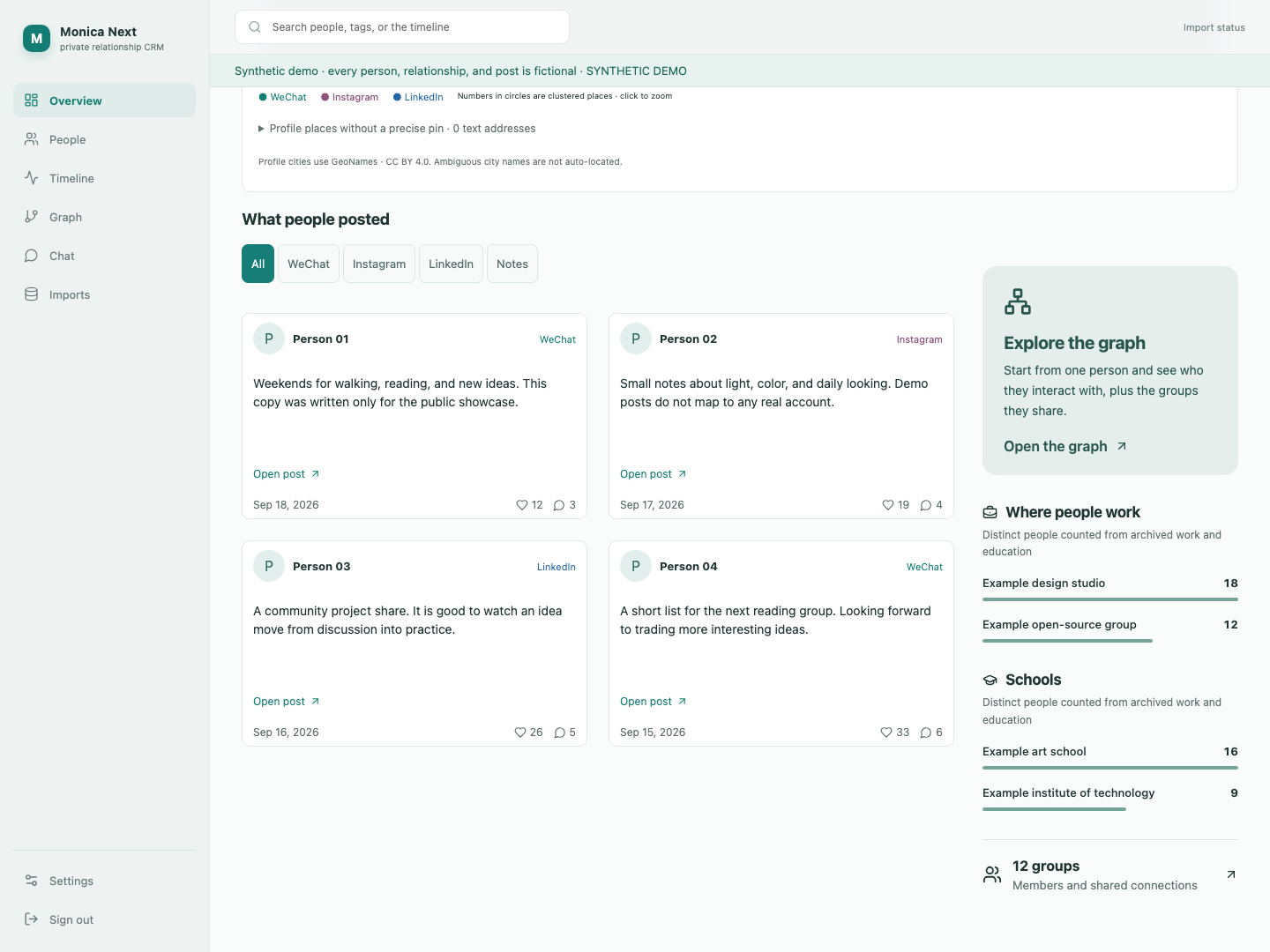
Four demo posts. The copy was written for this showcase and does not correspond to any real account.
Try the interface without a database
Node.js 22+ is enough. The demo never opens PostgreSQL, archives, or .env. Writes are rejected.
git clone https://github.com/hmumixaM/monica-next.git
cd monica-next
npm ci
npm run demo
Then open http://127.0.0.1:4310/dashboard. Stop it with Ctrl+C.
Run the full application
Docker Engine, Compose v2, and Python 3. The first-account script asks for an email and password without putting the password in shell history.
python3 scripts/init-env.py
docker compose --env-file .env -f infra/docker-compose.yml up -d --build
python3 scripts/bootstrap.py
Visit http://localhost:8080/login. The default bind is loopback. For real data, set trusted HTTPS and APP_ENV=production before exposing the host. Deployment, backup, and recovery: docs/DEPLOYMENT.md.
Privacy of this page
GitHub Pages is a public brochure. It is not a live CRM. The screenshots were captured from the synthetic demo in this repository. Do not publish production screenshots, archives, or credentials in issues or pull requests. Maps in the app request OpenStreetMap tiles; this page does not load a map.